R12 Publication-2025July16
Filter Installed Automation
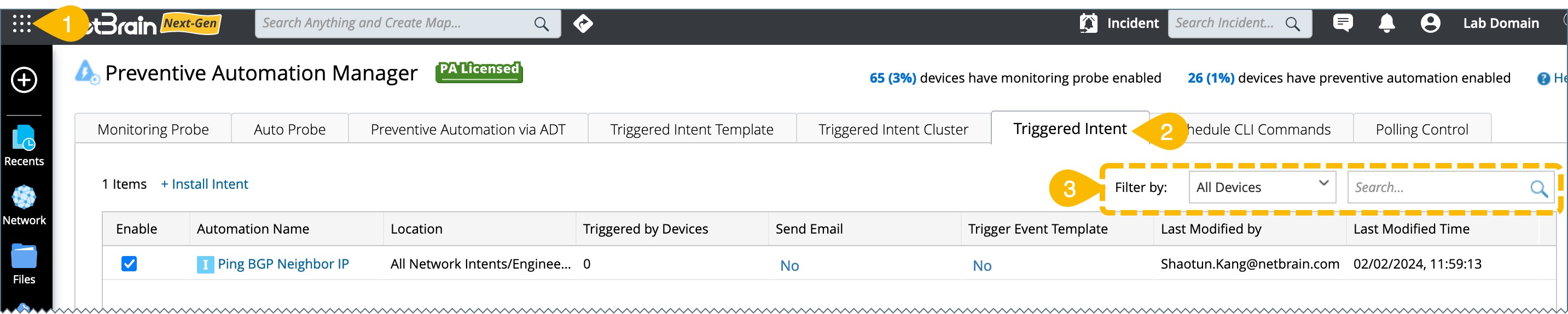
To filter an intent in the Preventive Automation Manager:
-
Click
 , scroll down and select Preventive Automation Manager from the menu.
- Navigate to the Triggered Intent tab.
-
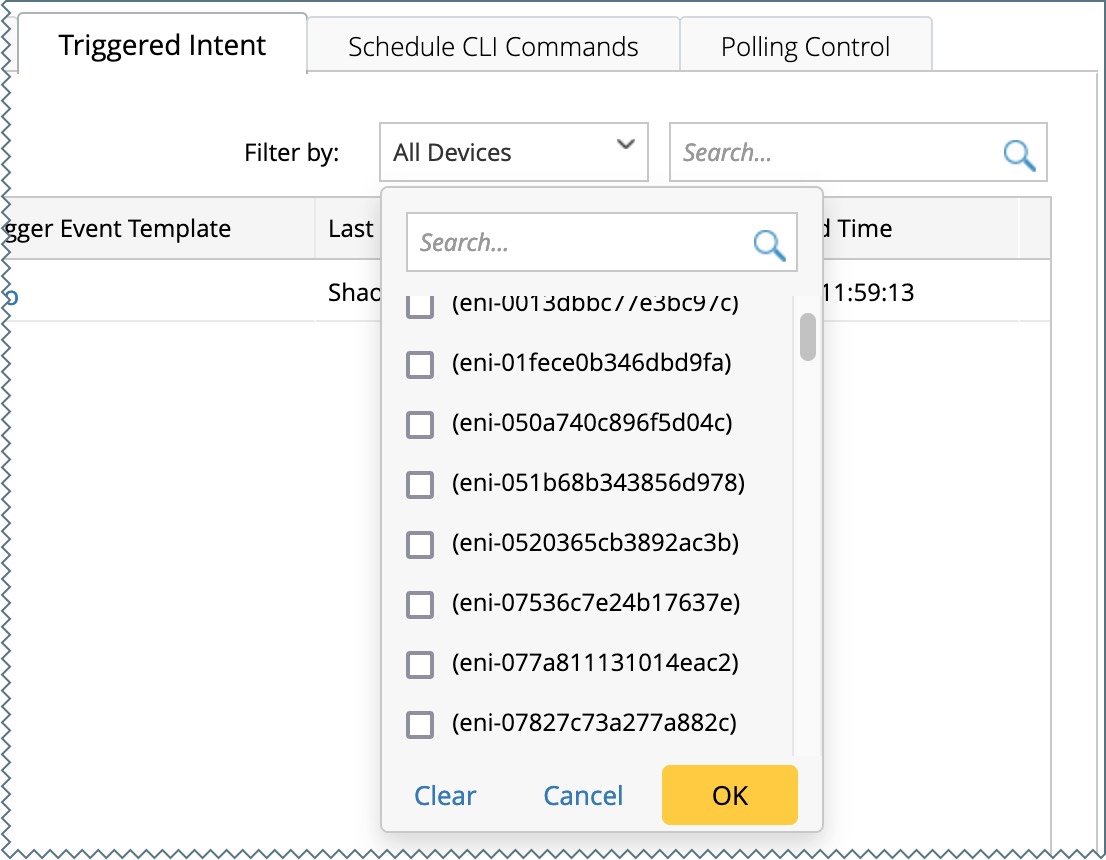
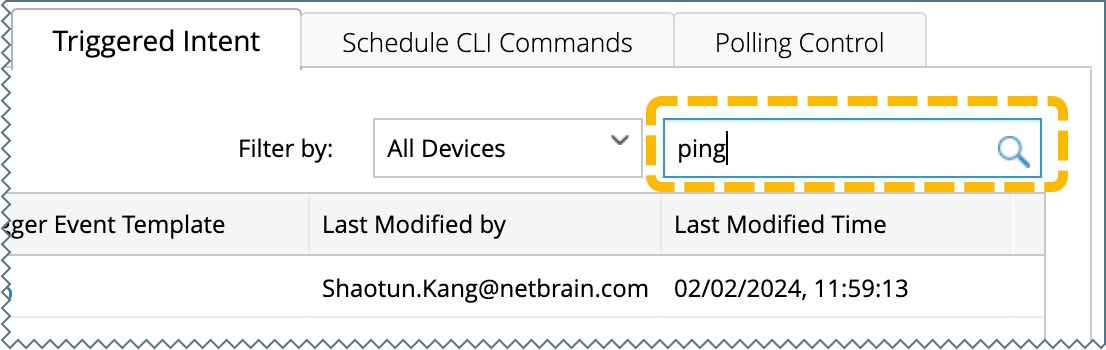
The installed automation can be filtered by device name or keyword.
Filter by Device
-
Click
 in the All Devices box.
-
Select the device and click OK.