Search Patterns
The following search patterns are supported:
-
Full-Text Search
- Term Search
- Wildcard Search
- Semantic Search
- Regex Search
- Dynamic Search
- Search Devices by Formula

|
Tip: The keywords used in the search are case-insensitive. For example, entering ospf, osPF, or OSPF will return the same results. |
Full-Text Search
Use full text enclosed with double quotes ("area 1") to search for an exact phrase.
Example: Search for the "area 1".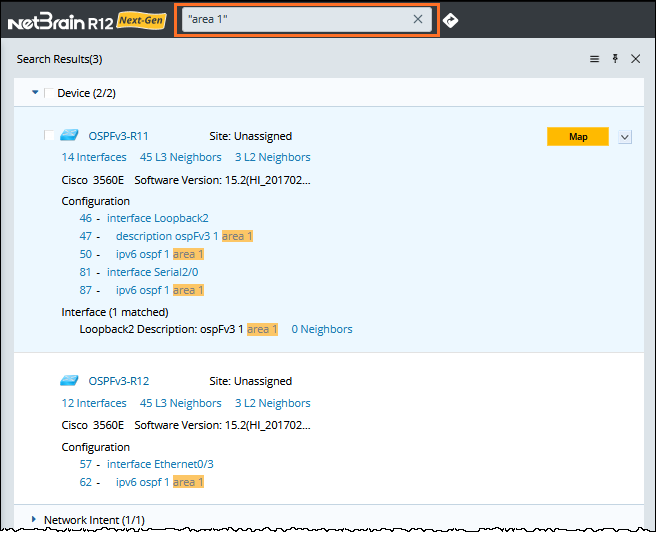
Term Search
Split the full text into terms with separators and find objects containing any of the terms.
- The following characters are treated as separators:
! " # $ % & ' ( ) + , ; < = > @ [ \\ ] ^ ` { | } ~
|
|
Note: The * and ? characters are used as wildcards. Only in Search Devices by Formula are they used as separators. |
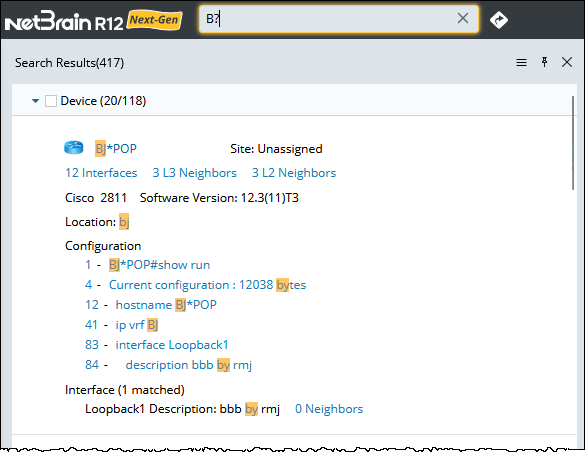
For example, when you enter BJ#POP as the keyword, it will be split into two terms: BJ and POP. The name of the objects containing either BJ or POP is listed in the search results, with the matched term highlighted.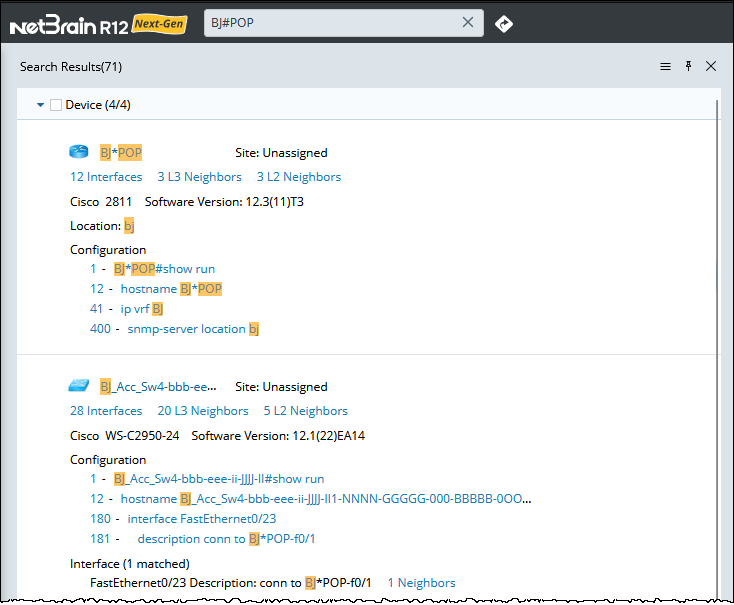
|
|
Note: Device config texts may contain "{" and "}". When searching for the device with keywords containing "{" and "}" (for example, "BGP {"), "{" and "}" will not be treated as a separator. |
The following characters are not treated as separators:
_ - . / :
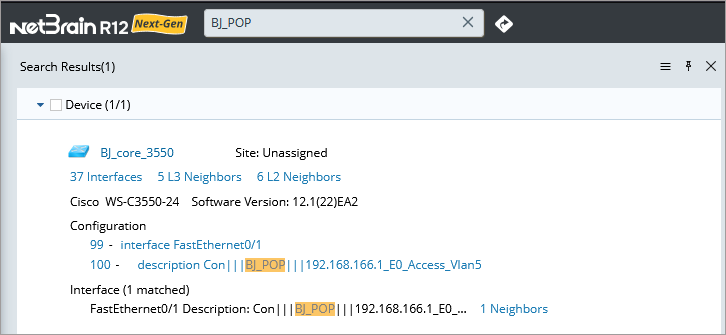
For example, when you enter BJ_POP as the keyword, it will not be split into two terms. Only the name of the object that exactly matches BJ_POP is listed in the search results.
Wildcard Search
Wildcard (* and ?) is a character that can be used as a substitute for any of a class of characters in a search.
The system supports both single and multiple character wildcard searches as follows.
| Wildcard | Description | Example |
| * |
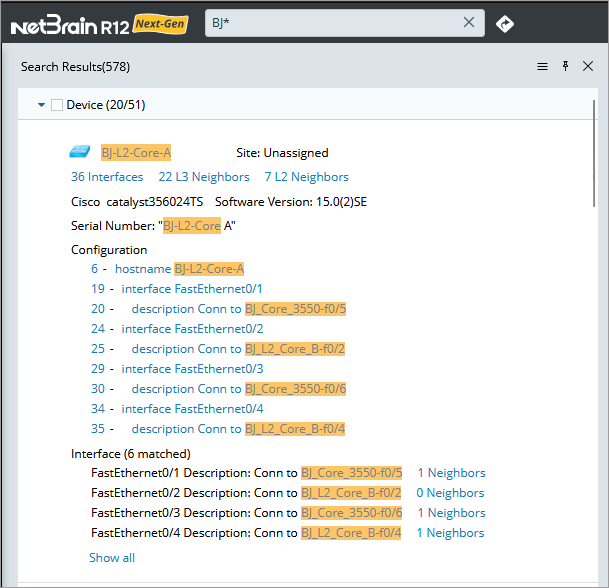
A multi-character wildcard search, which is used to look for zero or more characters to be replaced. For example, to search for test, tests or tester, you can use the search: test*. You can also use the wildcard in the middle of a term, like te*t. |
|
| ? |
A single-character wildcard search, which is used to look for terms that match with the single character replaced. For example, to search for text or test, you can use the term: te?t. |
|
|
|
Note: It may take a while to return the search results if the search text starts with any wildcard because all terms in the index will be examined. |
Semantic Search
Use semantic terms to query highly relevant information rather than sorting through a list of loosely related keyword results.
The following semantic terms are supported in semantic search.
| Semantic Term | Search Result |
| vrf $vrf_name | Returns devices whose interfaces are configured with the specified VRF name. |
| ospf (process-id) area $area_ID | Returns devices whose interfaces are configured with the specific OSPF area ID. |
| device:$hostname | Returns devices configured with the specified hostname. |
| site:$site_name | Returns sites configured with the specified name. |
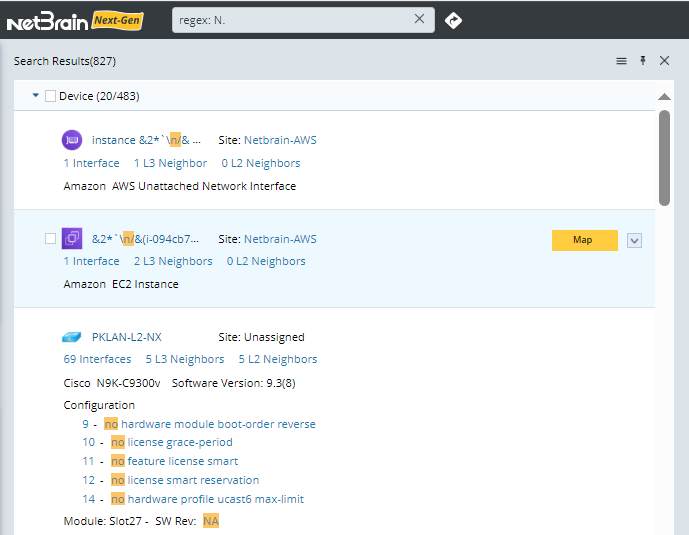
A regular expression (regex for short) is a pattern that denotes a class of alternative strings to match. Regex search supports keywords conducted with a regular expression for a fuzzy search. To make the regex search recognized, you must add the prefix, regex: before the regular expression.
The following characters are allowed in a regex search.
| Character | Description | Example |
| Match any character | ||
| . | Used to represent any characters. |
|
| Zero-or-one | ||
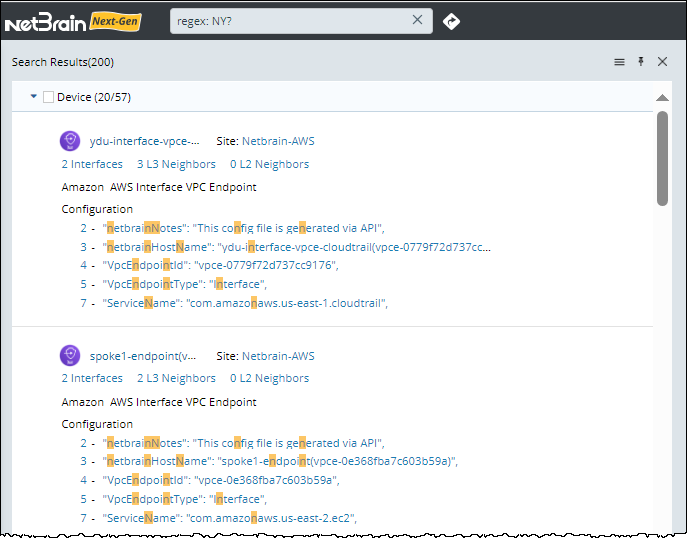
| ? | Used to make the preceding shortest pattern optional. It matches zero or one time. |
 |
| One-or-more | ||
| + | Used to repeat the preceding shortest pattern once or more times. | 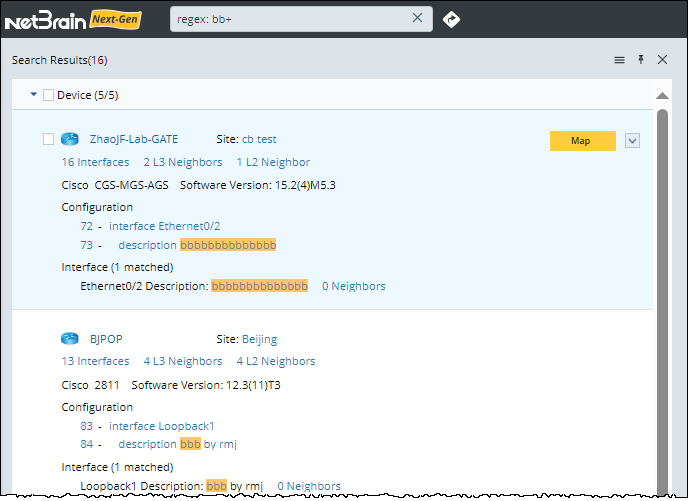
|
| Zero-or-more | ||
| * | Used to match the preceding shortest pattern zero or more times. |

|
| Alternation | ||
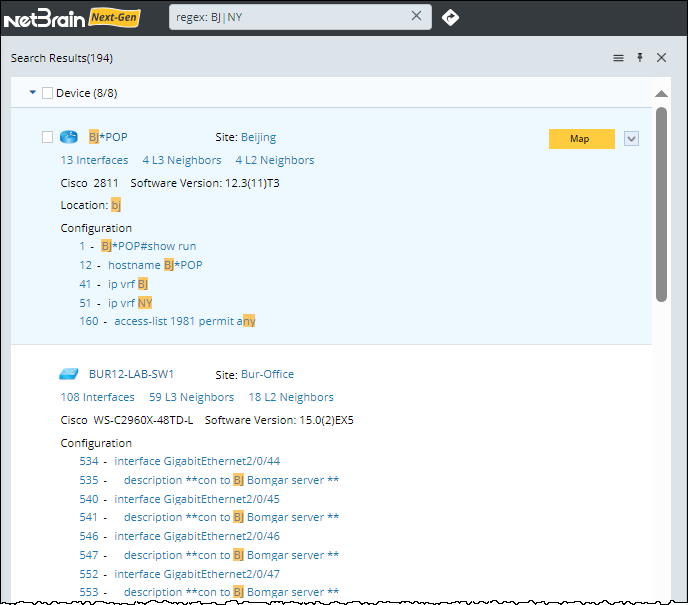
| | | Used as an OR operator. It matches the pattern on either the left side or the right side. |
|
| Min-to-max | ||
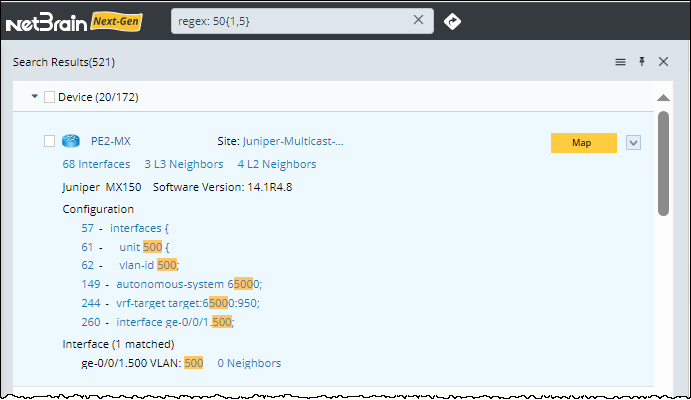
| {} | Used to specify a minimum and a maximum (optionally) number of times that the preceding shortest pattern can repeat. Also, you can use {} to match repeated characters or strings: For example:
|
|
| Character classes | ||
| [ ] |
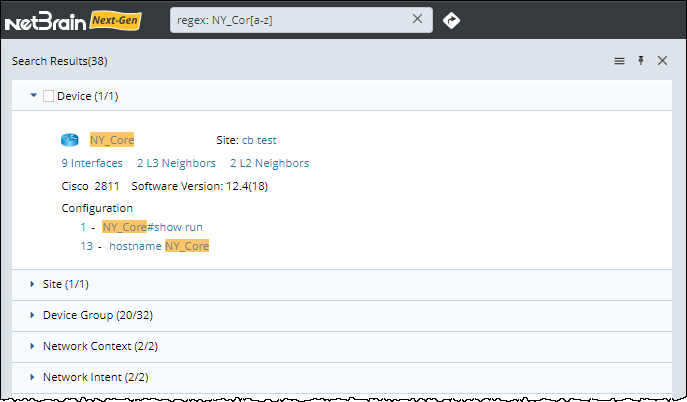
Used to enclose ranges of potential characters as character classes. Note: The dash character (-) indicates a range of characters, unless it is the first character. |
|
| Grouping | ||
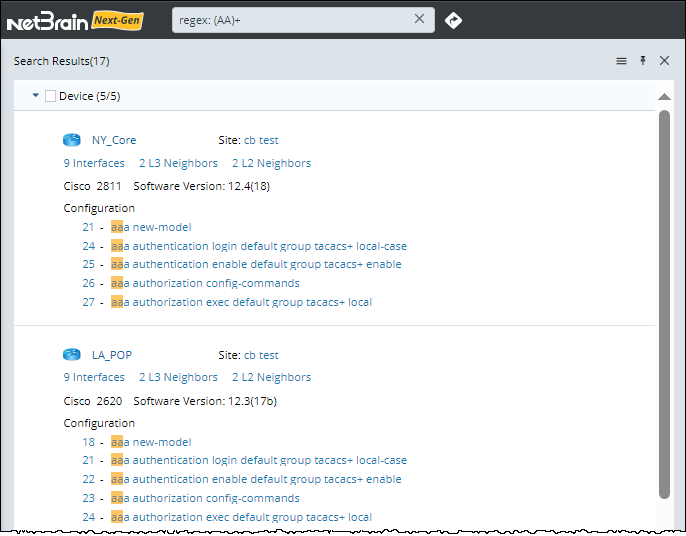
| ( ) | Used to group all characters listed above to form sub-patterns. |
 |