R12 Publication-2025July16
View and Use Guidebook
Recommended Automation can be viewed in the Guidebook interface on a map. On the top bar, click Network, and then select Guidebook from the dropdown menu.
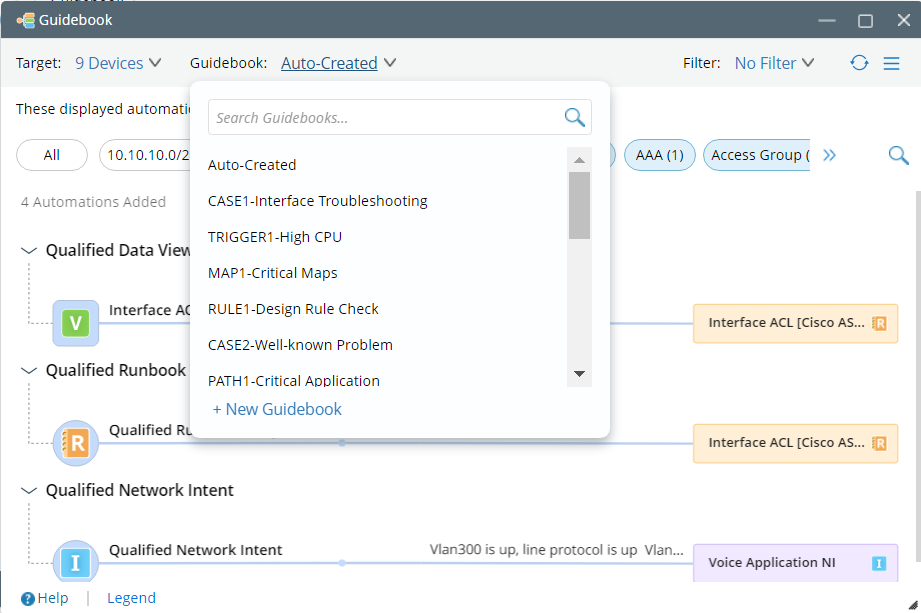
Follow the steps below to view the desired Recommended Automations:
- View Auto-Qualified Recommended Automation in Auto-Created Guidebook
- Filter Recommended Automation
- Add the Automation into Runbook for Execution, by clicking the Automation> Add to Current Runbook.
