R12 Publication-2025July16
Create Table Parser from Auto Parser Mode
In Auto Parser mode, you can directly select to parse table.
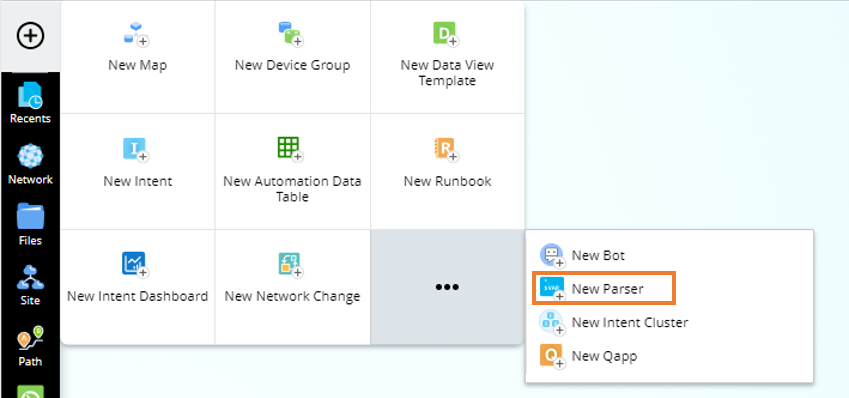
- From the New menu, select New Parser.
- Click the
 icon to specify the parser name.
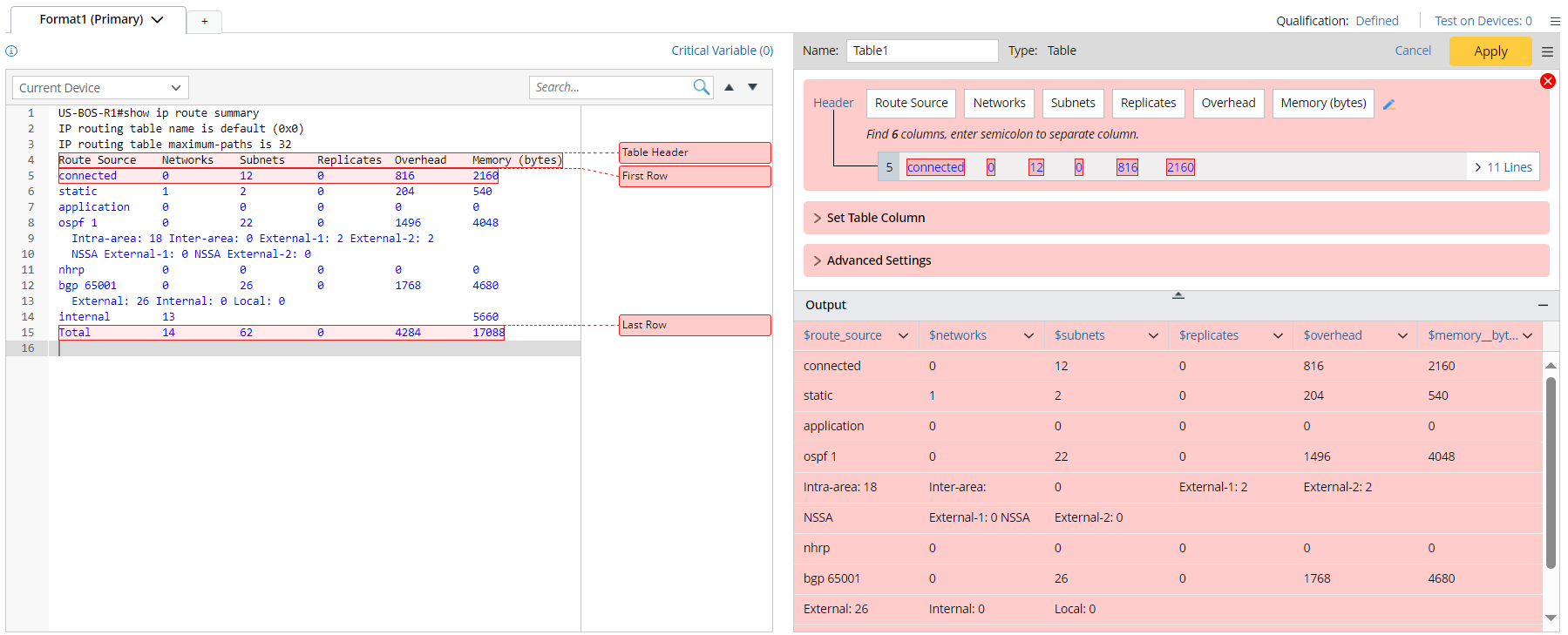
 - In the Select Data area, define to retrieve the "show ip route summary" CLI command data on device US-BOS-R1 with Live data as the data source.

- Click Retrieve, the retrieved data will be added to the Parser Input area.

- In the Parser Input area, select lines 4-8, then a floating tip window holding Parse Table button will appear.
- Click the Parse Table button, the Table type will be selected, then you can continue to define the table parser. For detailed steps of defining a table parser, see Define a Table Parser.