R12.1 Project Publication-2025Dec23
Login with Two-Factor Authentication
After two-factor authentication is set up with Authenticator App, you need to complete two-factor authentication for login.
- In the NetBrain Login page, enter username and password. If username/password are correct, Two-Factor Authentication window will appear.
- In the pop-up Two-Factor Authentication window, enter the verification code shown on your Authenticator App to further verify your identity.
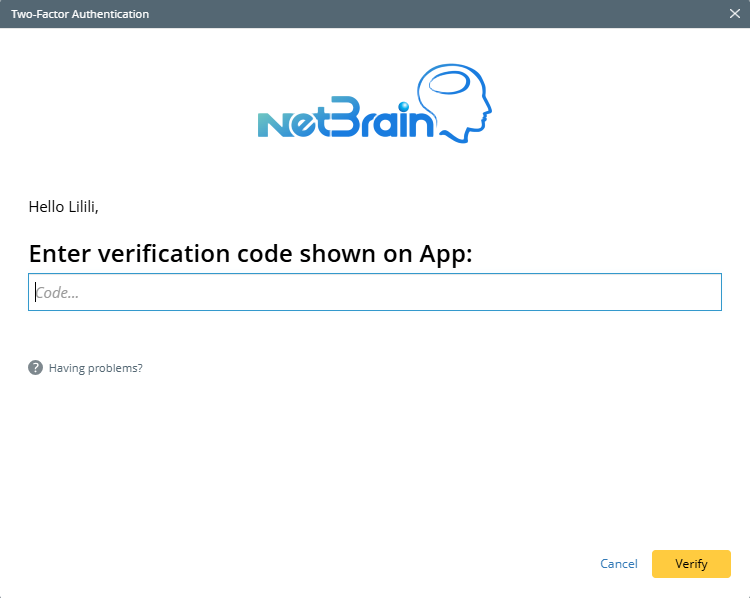
- Click Verify to verity your identity. If the code verification succeeds, you can login to NetBrain.

Note: If code verification fails, error message will appear. 