R12.1 Project Publication-2025Dec23
Copy an Existing Intent
You can select an existing intent to use as the current Path Intent. If no Path Intent has been set, the selected intent is used directly. If a Path Intent already exists, the selected intent will replace it.
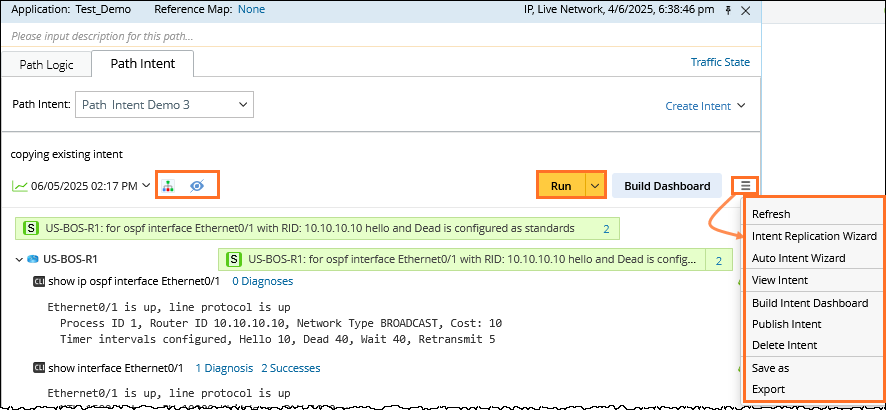
- In the Path Intent tab, click Create Intent > Copy an Existing Intent from the dropdown.
- In the Select Intent dialog, select an existing intent.
- Click OK to create the new path intent.
- Click Run to run the diagnosis logic.

Note: If a path intent with the same name already exists, users can select to append the new path intent to the existing one or overwrite existing one. 
- After a Path intent is created, you can:
- Sync up path intent device when path devices change. Click Refresh from the Hamburger Menu.
- Click Run to run/re-run the path intent.
- Click the
 icon to view the Diagnosis Tree.
 - Click the eye icon
 to show or hide the results on the Intent map.
 - Select Path Map as Intent Reference Map.
- More common operations on the path intent are listed in the Hamburger Menu.