R12 Publication-2025July16
Switch Map Copies
The master map and its personal copies are organized in the drop-down list at the upper-left corner of the map. The master map is always at the top of the list. Its personal copies are listed below with the name of the creator of the personal copy displayed.

Follow the steps below to switch between different personal copies.
- When a Map is open, click the map name.
- In the drop-down, you can switch to the copy you would like to view by clicking the personal copy.
Alternatively, you can switch to a map copy by clicking Open in New Tab from the drop-down menu of that copy.
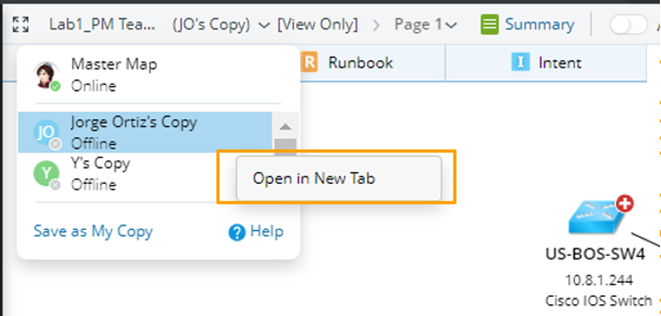

Tip: In the drop-down, you can also view each owner's status, i.e., whether they login to the NetBrain system. - After switching to the copy, you can also see the Runbook on that copy.
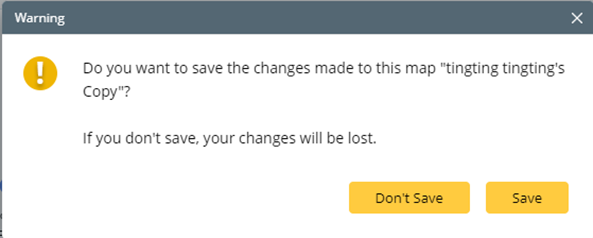
Note: If you switch to another copy when the current personal copy is not saved, a message will prompt you to save the personal copy first.