R12 Publication-2025July16
Share Environmental Information with NetBrain
The system can automatically collect environmental information, which can assist NetBrain support engineers in discovering which user's NetBrain system is not in good condition.
- Log in to System Management Page.
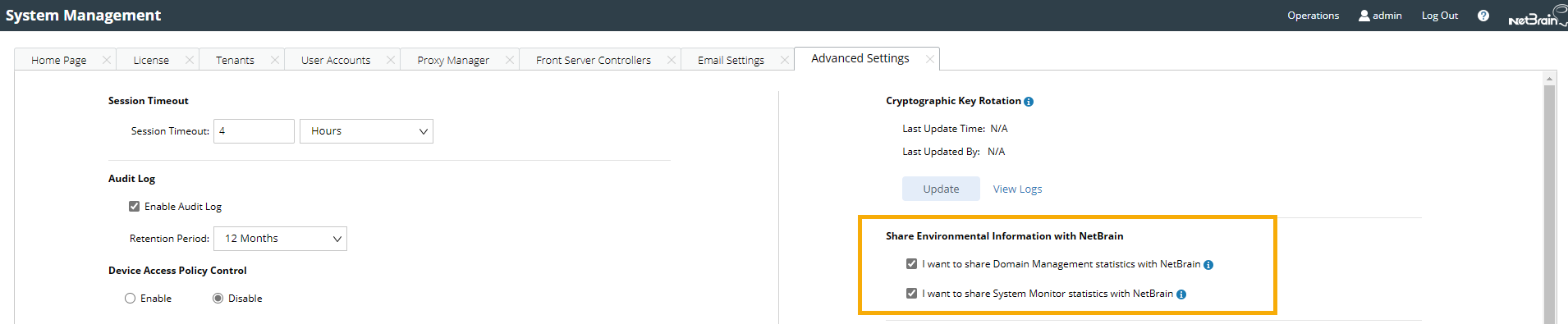
- On the Advanced Settings tab, move to the Share Environmental Information with NetBrain area, and select the following two checkboxes to enable data collection.
- I want to share Domain Management statistics with NetBrain
- I want to share System Monitor statistics with NetBrain
- View the statistics contained in the environmental information.
| Domain Management Statistics | System Monitor Statistics | |
| Executive Condition of Each Plugin | Domain | |
|
|
|