R12 Publication-2025July16
Search for Clouds
- Enter one of the following search terms in the search bar:
- Cloud name
- Device property

Different device properties are allowed, similar to regular devices, with the addition of the 'Edge Device Count', 'Cloud Type' and 'AS Number' displays.
- Press the Enter key on your keyboard to start searching. The clouds with the entered search terms matched are listed in the search results.
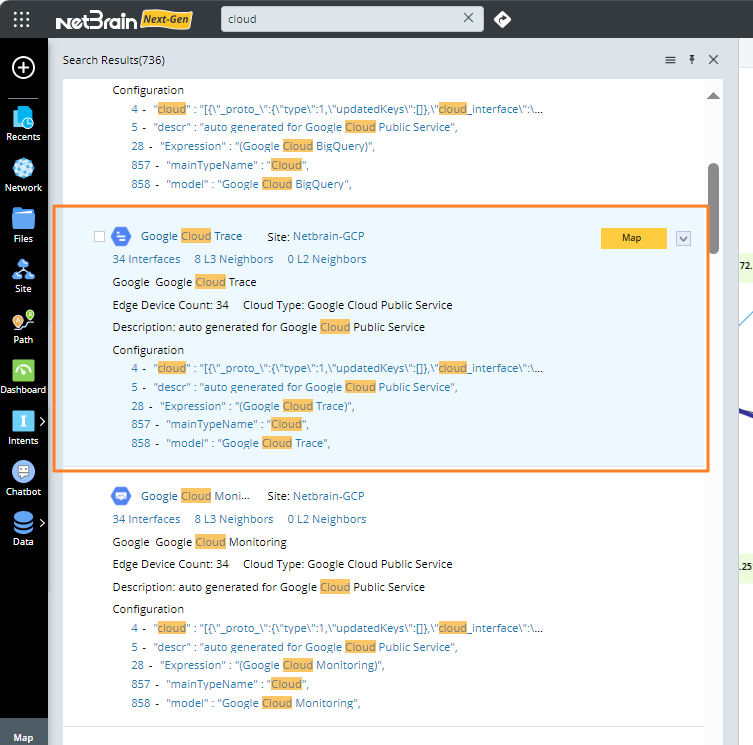
Note: In the search results, the cloud type of the searched-out cloud will be displayed. The NetBrain System supports five cloud types: MPLS L3 VPN, AWS Public Service, Google Cloud Public Service, Aryaka DC Cloud, and Internet Cloud.
See also: