R12 Publication-2025July16
Publish Path Intent
If you create a useful path intent, you can publish it to share it with others.
You can click from the Path Intent pane, then select Publish Intent from the drop-down menu to publish the path intent.
Then you can view all the published path intents in the Published Intent pane under the Intent tag of the map.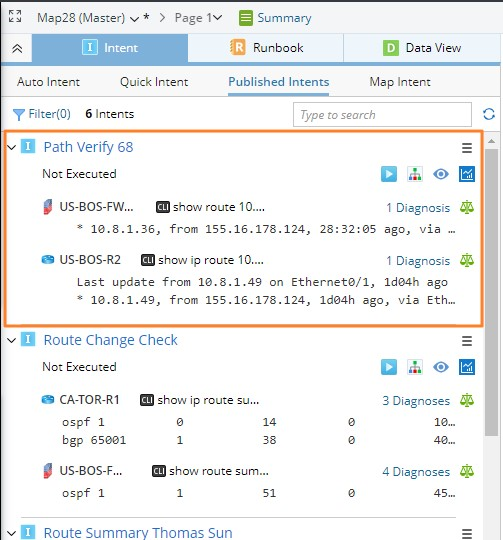
See also: