R12 Publication-2025July16
Enable/Disable Installed Automations
To enable or to disable an intent in the Preventive Automation Manager:
- Click
 , scroll down and select Preventive Automation Manager from the menu.
 - Navigate to the Triggered Intent tab, and check/uncheck to enable or disable installed triggered Intent (s).
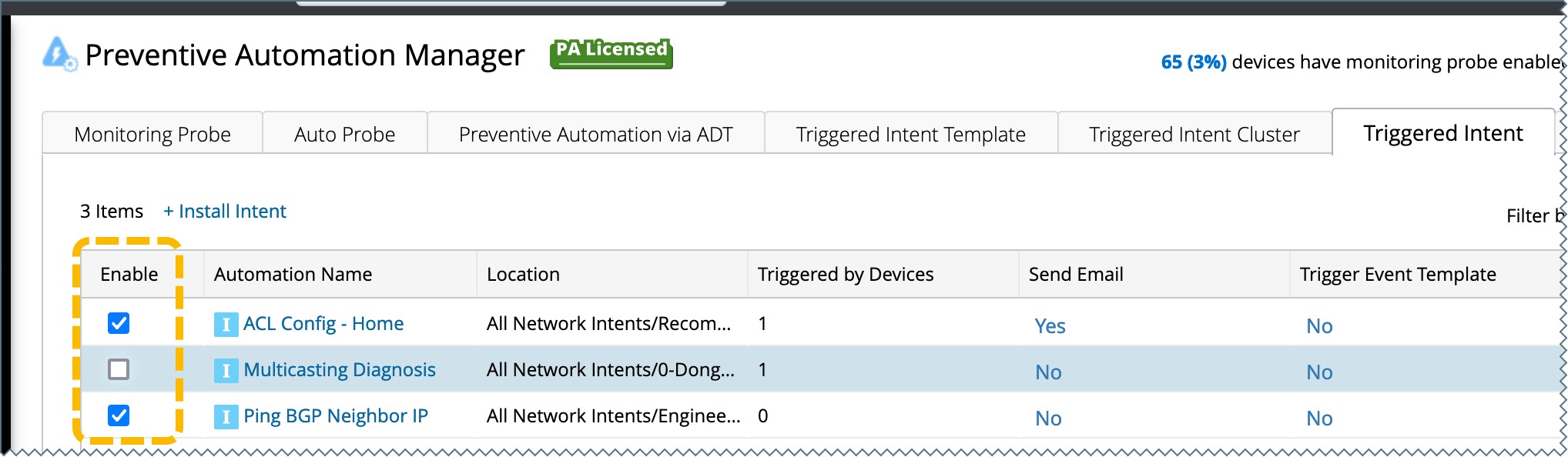
 Note: If the installed triggered Intent is disabled, it will not be displayed in the Execution Tree.