R12.1 Project-2025/11/05
Search for Sites
Follow the steps below to search for a site:
- Enter one of the following search terms in the search bar:
- Name, description, region, location/address, type or contact info of a site
- Customized information of a site
- Device hostname
- Press Enter. The search results are displayed with the matched keyword highlighted.
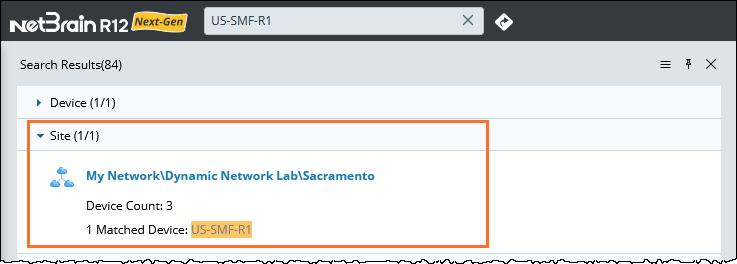

Tip: In the search results, click the directory hyperlink of the target site to go to the semantic search results. See Semantic Search for more details.
See also: