R12.1 Project Publication-2025Dec23
Troubleshooting
If there is something that is not working as expected, the logs in the Splunk can be seen to get more information about the issue. If there are any errors in the code, those can be seen as well in the logs.
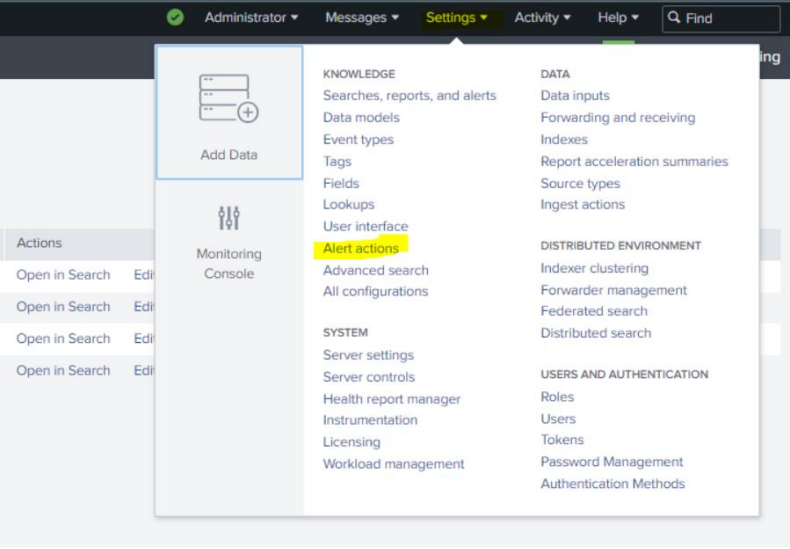
- Navigate to Settings > Alert actions.
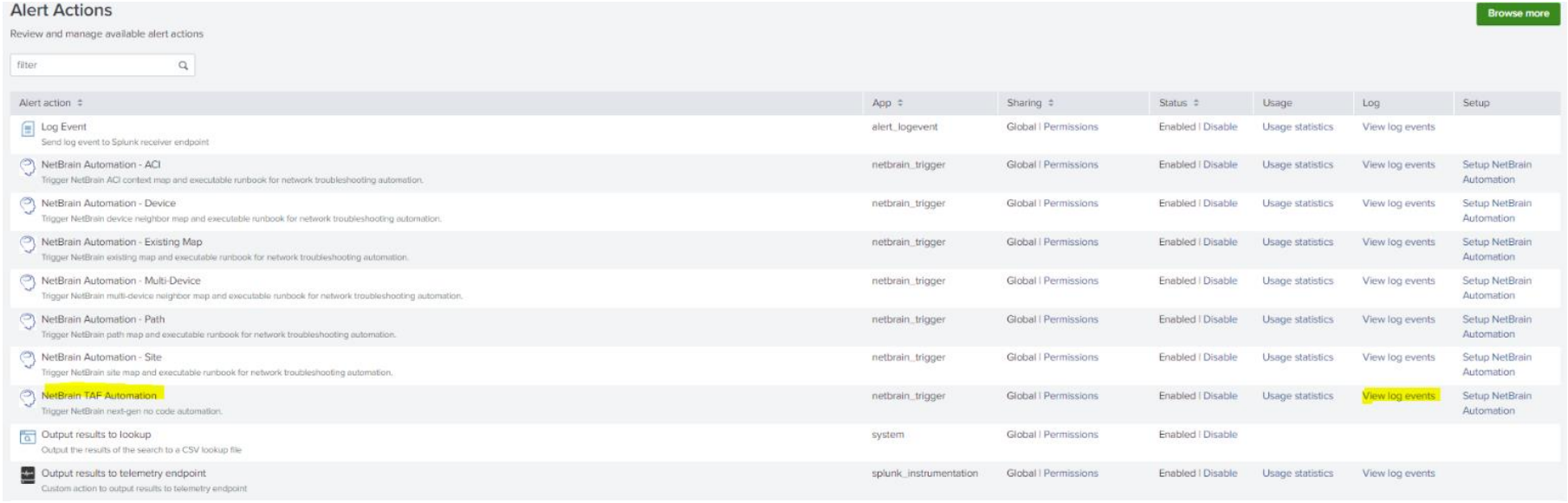
- Click log events of specific automation that needs to be debugged and the errors and logs can be seen.