R12.1 Project Publication-2025Dec23
Update vCenter Data in NetBrain through Benchmark Automatically
Since the discovery only retrieves basic data of your vCenter network, you need to execute a benchmark task to retrieve all data and build all components after the discovery, including topology, visual spaces and data views. For more Information, see Setup a Benchmark Task.
- Click
 in your NetBrain deskto, and select Schedule Task.
 - On the Schedule Discovery/Benchmark tab, click Add Benchmark Task.
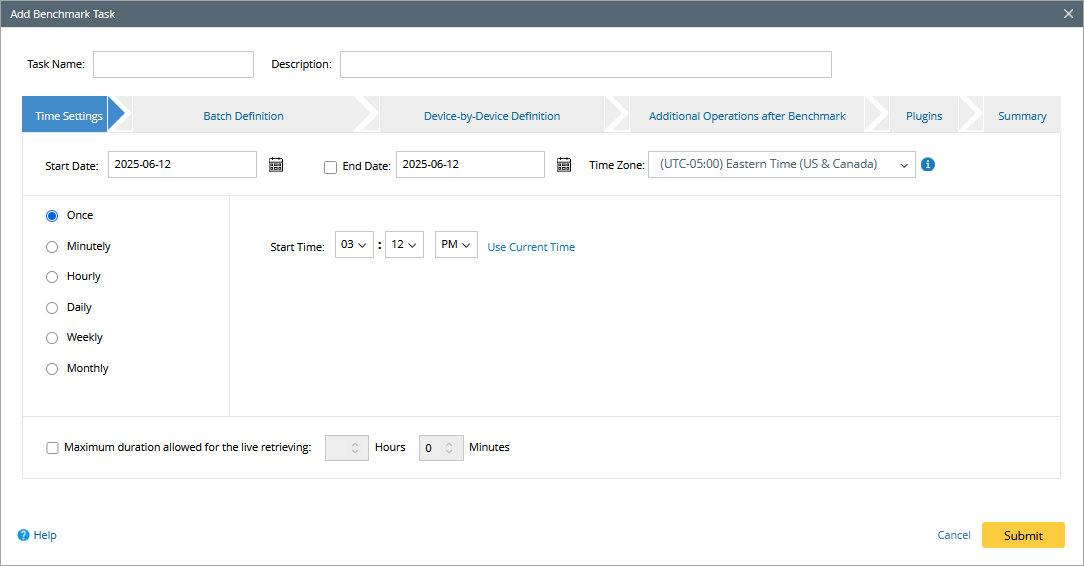
- In the Time Settings tab, define the task frequency.
- In the Batch Definition tab, perform the following tasks:
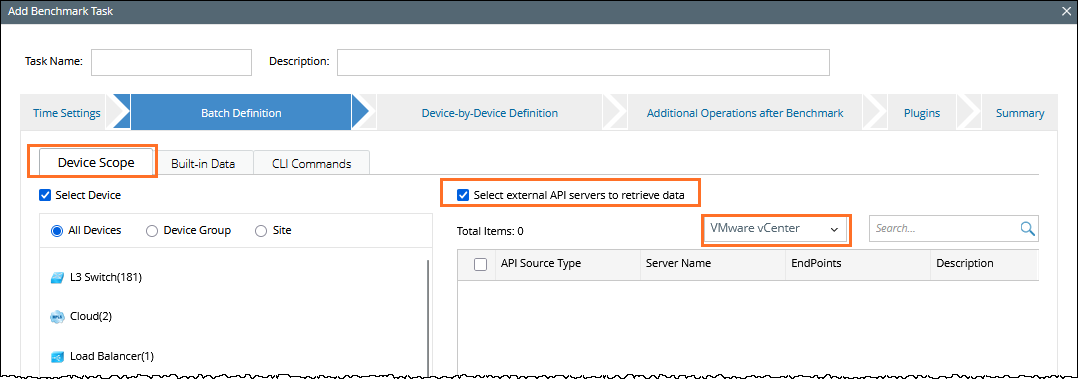
- Go to the Device Scope tab, check the Select external API servers to retrieve data checkbox and select VMware vCenter controllers.
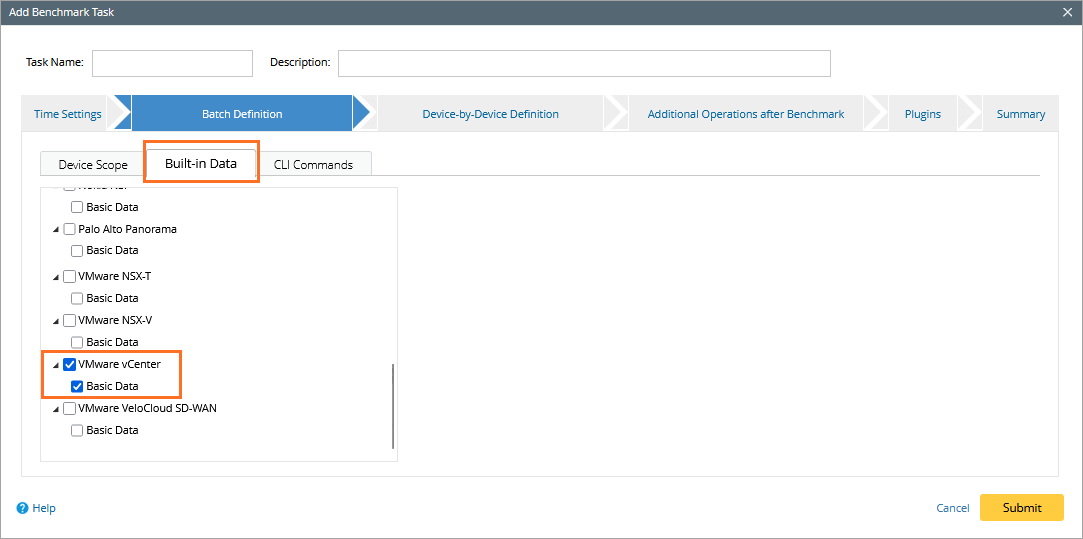
- Go to the Buil-in Data tab, and select the VMware vCenter checkbox.
- Go to the Device Scope tab, check the Select external API servers to retrieve data checkbox and select VMware vCenter controllers.
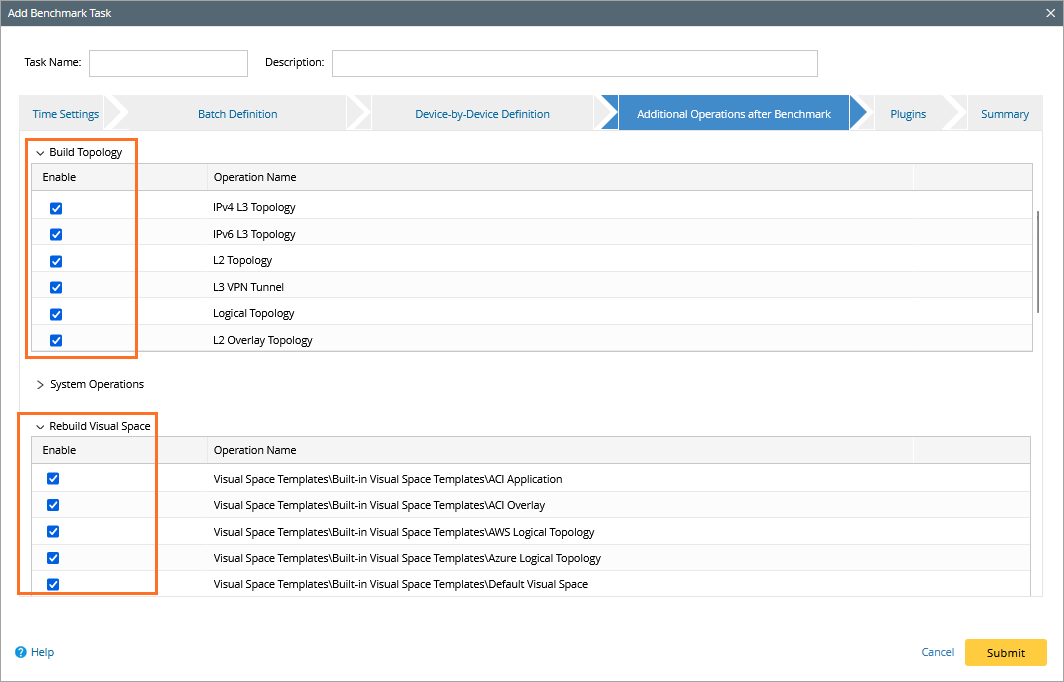
- On the Additional Operation After Benchmark tab, select all the checkboxes in the Build Topology and Rebuild Visual Space sections.
- Click Submit.