Defining Feature Intent Template

Contents
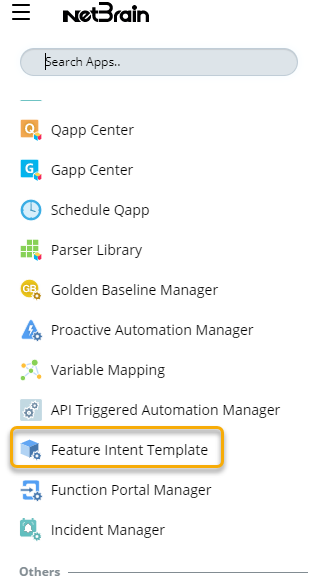
1.Click  ,scroll down and select Feature Intent Template.
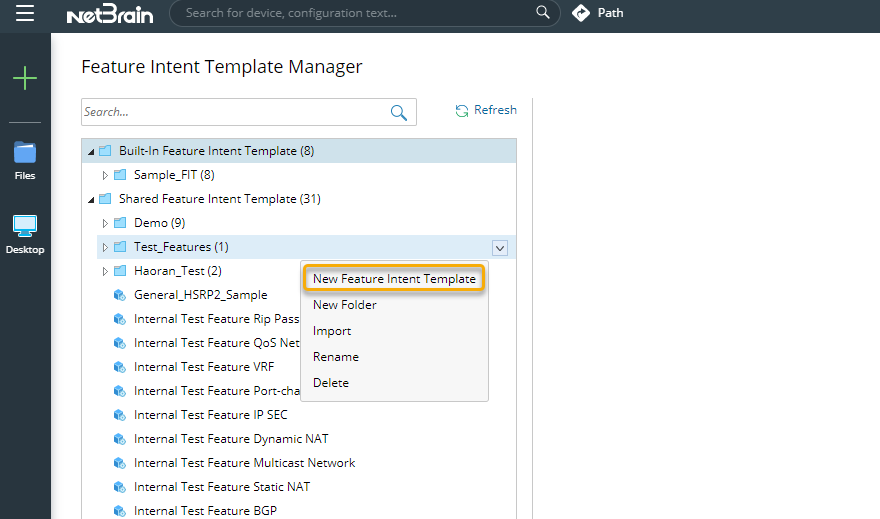
2.In Feature Intent Template Manager page, hover over the desired folder.

3.Click on  , and select New Feature Intent Template.
4.Define the Feature Intent Template in the Define Template Tab.
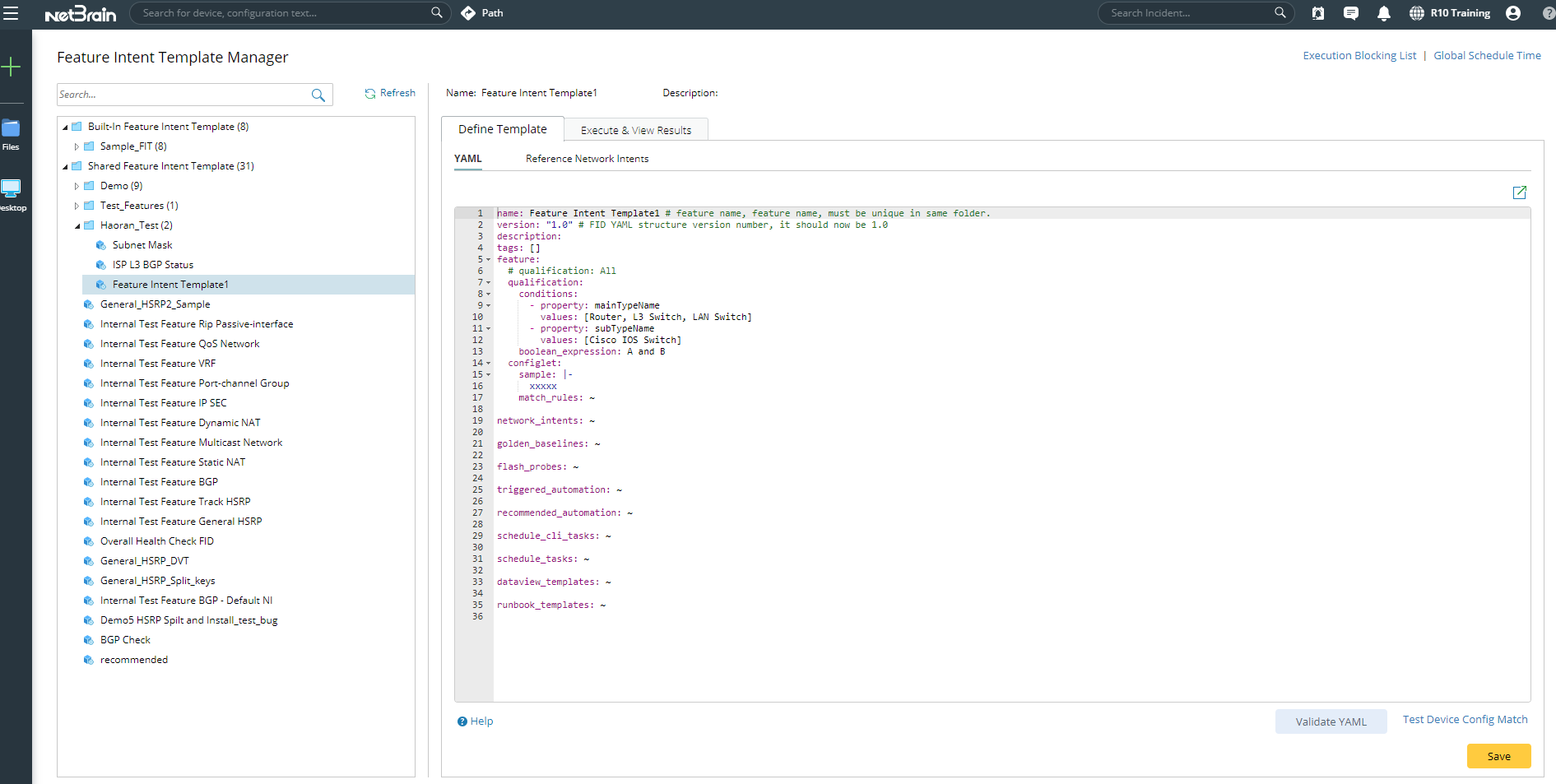
A Feature Intent Templates typically consists of the following components:
•Device Matching Logic
•Automation resources to be created
•Automation resources execution
5.Click Save after defining the Feature Intent Template.
Tip: You can follow the steps below to define Network Intent directly with analysis logic in FIT YAML:
1)Define the analysis logic in the analysis_device section of the network intent YAML.
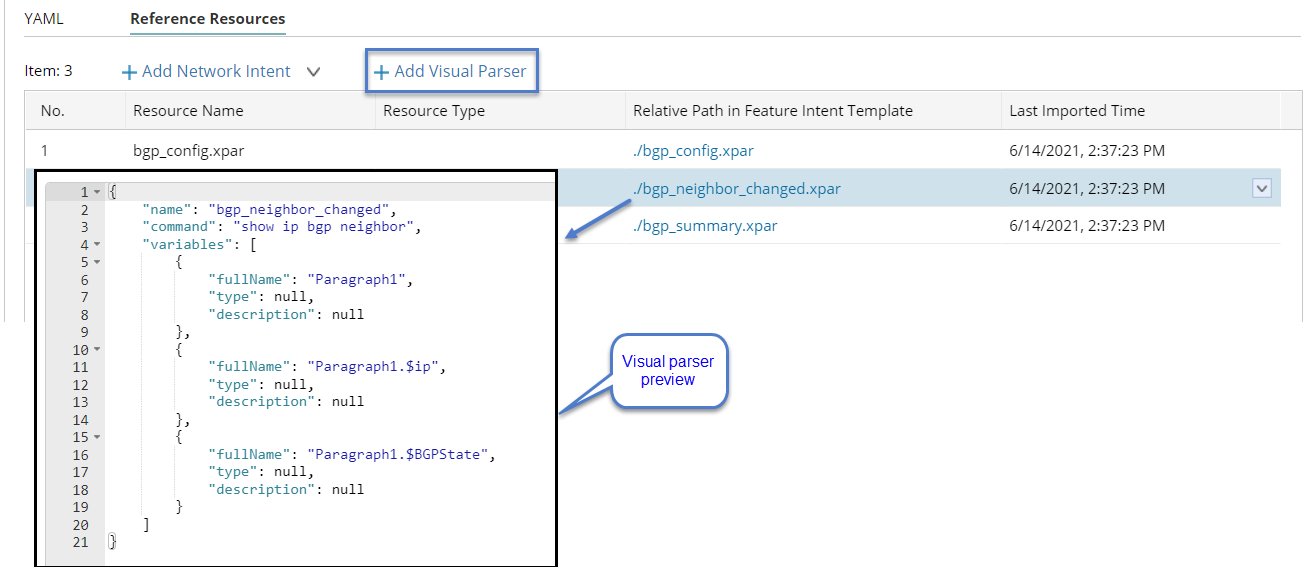
2)Import the visual parser and reference it in the YAML file.