R12 Publication-2025July16
View Big Switch Network by Legacy View
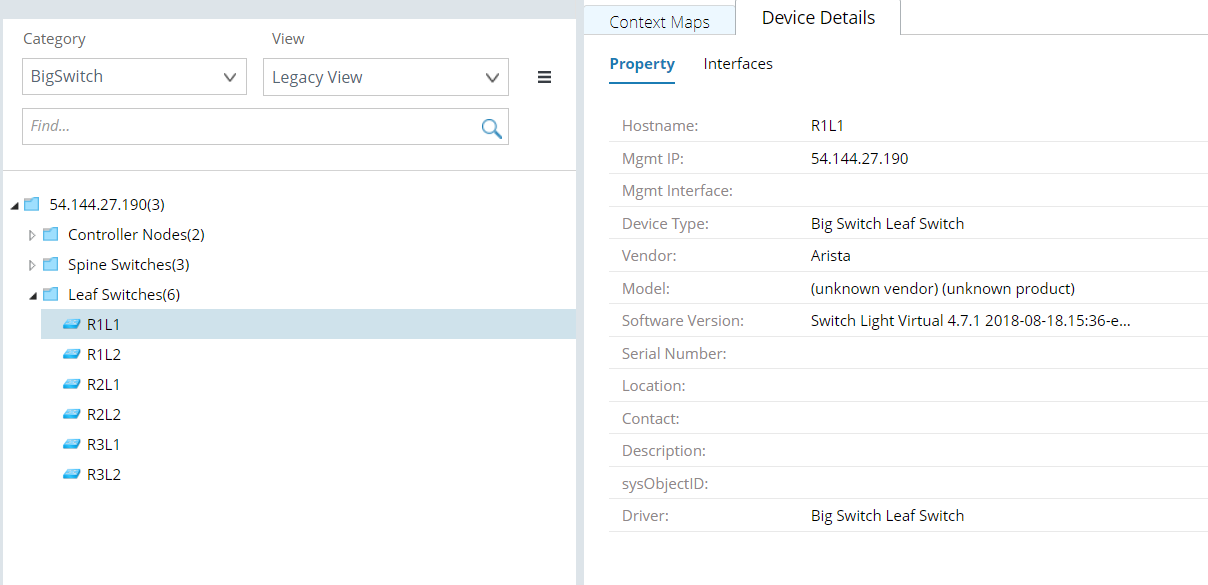
To view the details and the context maps of a node, proceed with the following steps:
- Select Network in the left pane of your NetBrain desktop.
- In the Network pane, select BigSwitch in the Category field.
- In the View field, select Legacy View.
- Expand the Leaf Switches to view Switches information.
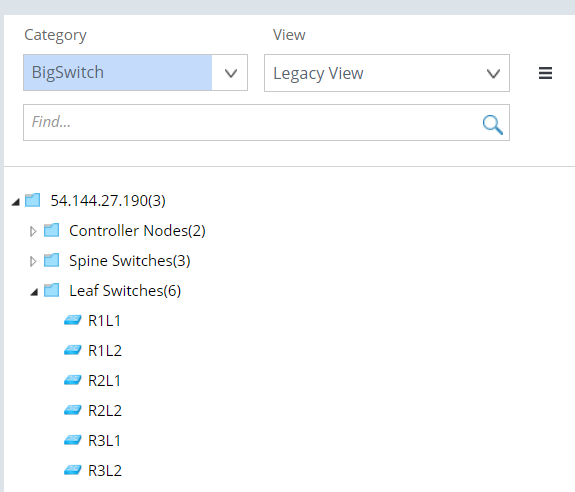

Tip: The number next to each node indicates the number of its child nodes.
- Select a node and the Device Details tab to view its device details.