R12 Publication-2025July16
Adjust the Flash Probe Frequency
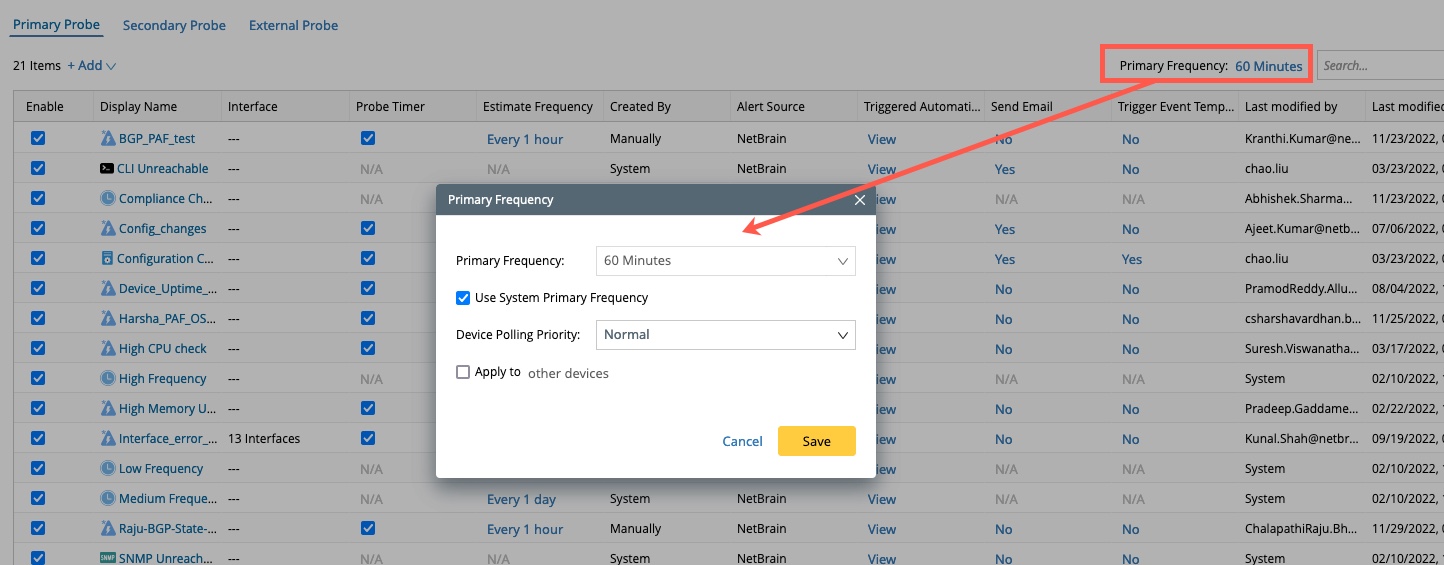
Once enabled, the flash probe will be executed based on the current device's primary frequency by default. To adjust the flash probe frequency, click the frequency settings of the flash probe at the top right corner, and modify the settings accordingly.
See also: